.jpg?w=2730&h=1535)
Now that you’ve gathered all the essential tools from last week’s post, it’s time to put them to use! Cleaning your Nintendo Switch isn’t complicated, but doing it correctly is key to avoiding damage. Follow this step-by-step guide to get your console looking and feeling like new.
Step 1: Power Down and Unplug
Before you start cleaning, make sure your Nintendo Switch is powered off completely and unplugged from any power source. This is crucial for your safety and to prevent any potential damage to the console.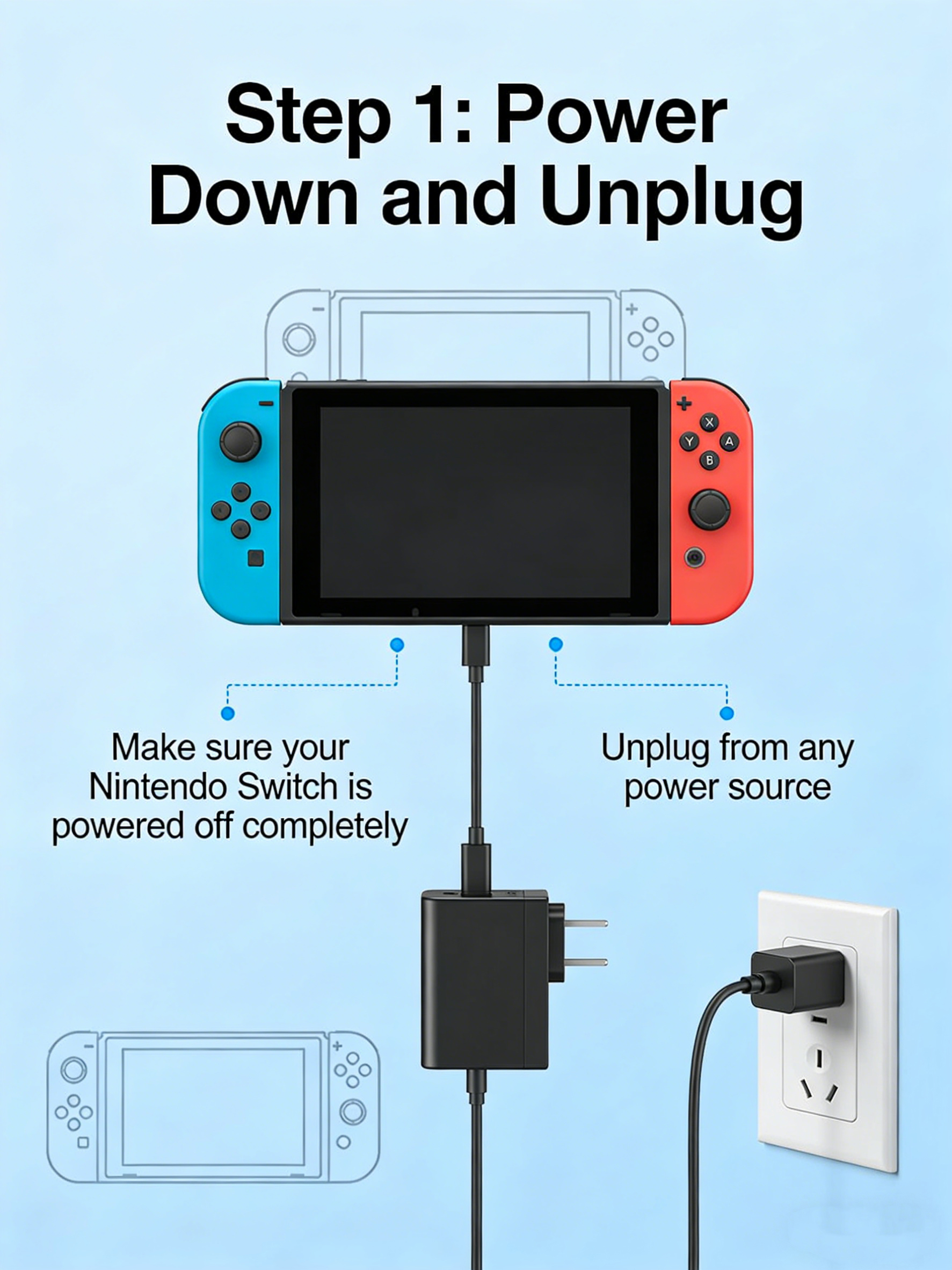
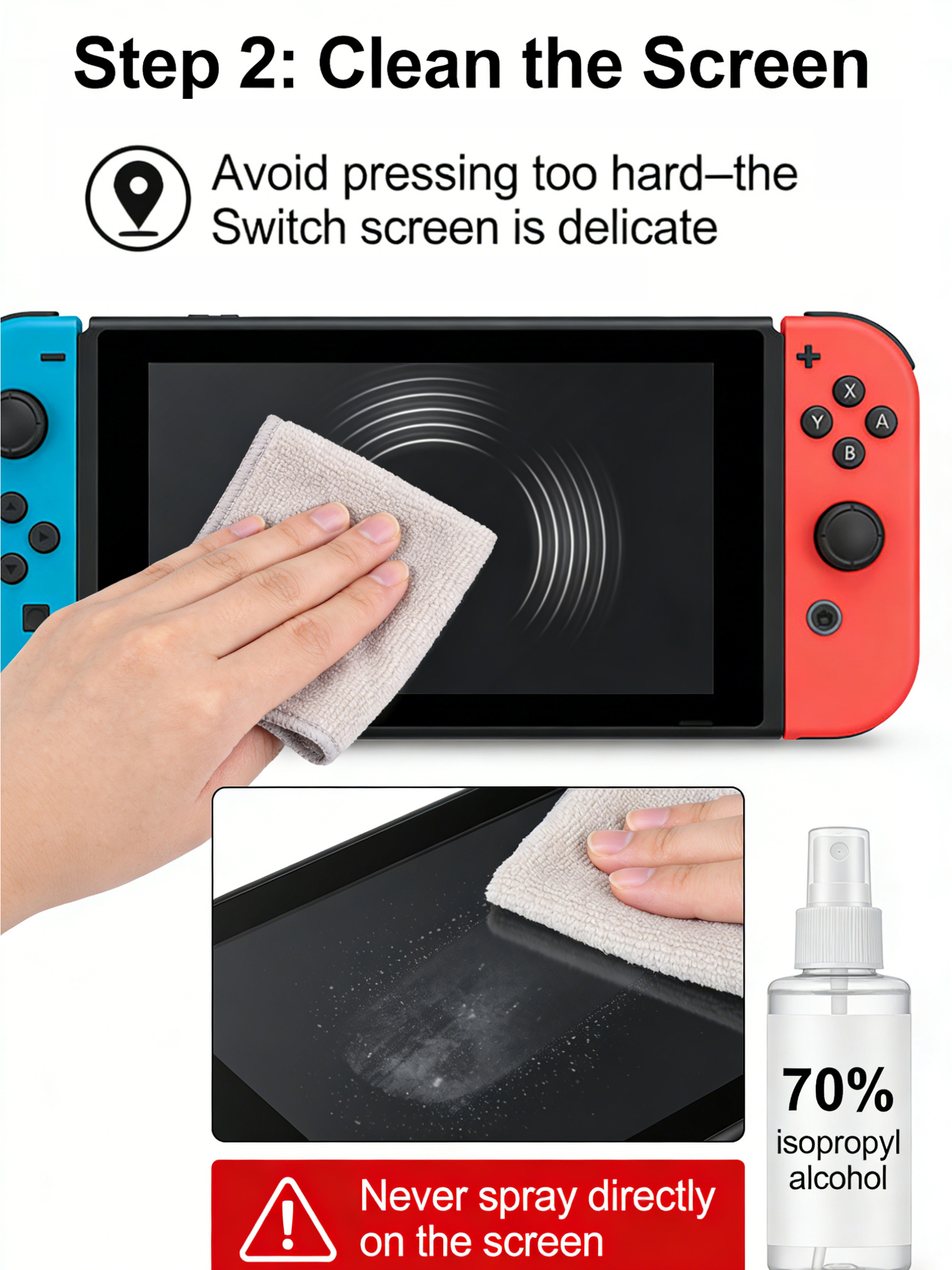
Step 2: Start with the Screen
Using a soft, lint-free microfiber cloth, gently wipe the screen in circular motions. Avoid pressing too hard—the Switch screen is delicate. If there are stubborn smudges, lightly dampen the cloth with a small amount of 70% isopropyl alcohol (never spray directly on the screen).
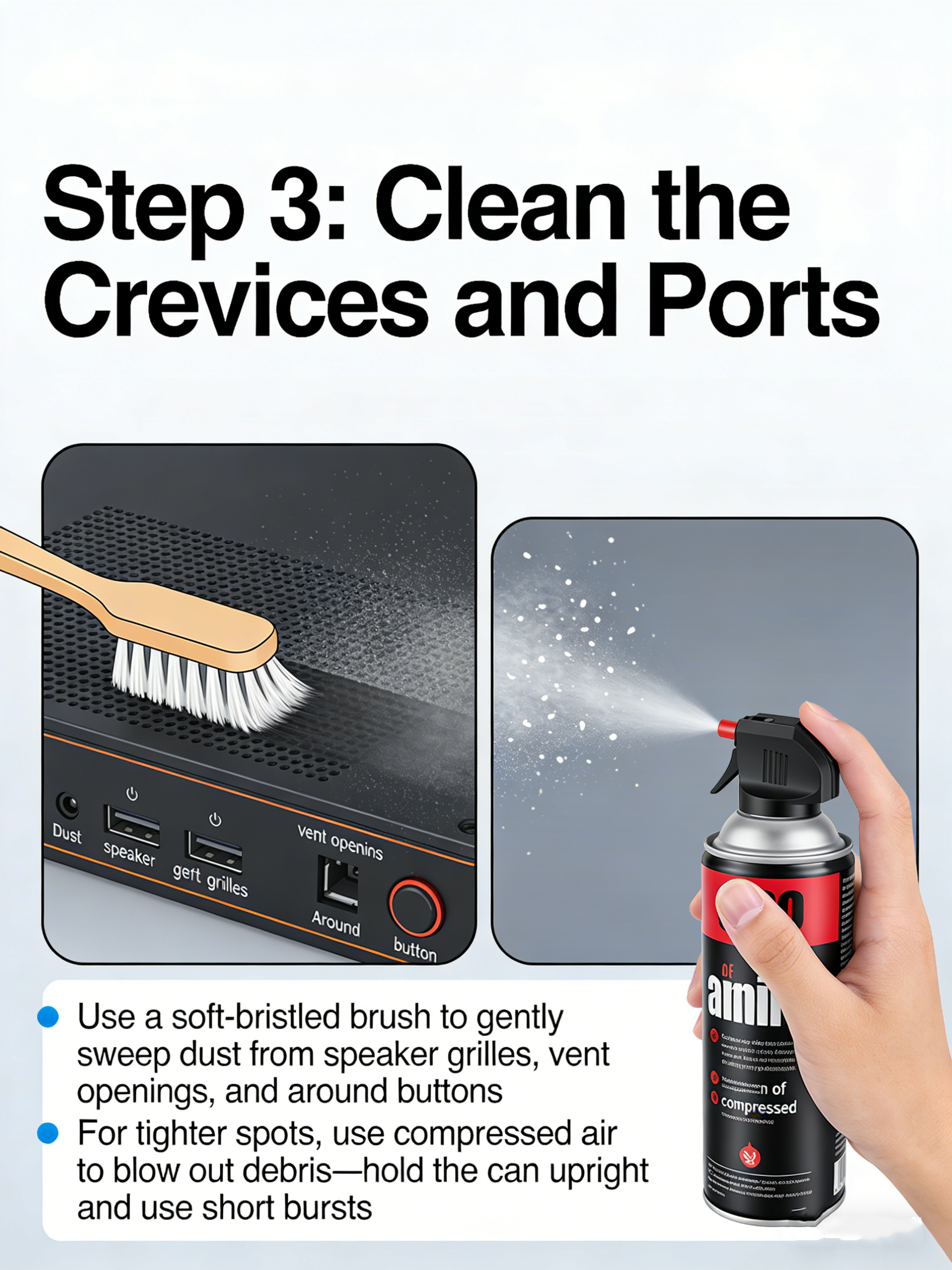
Step 3: Clean the Crevices and Ports
Grab a soft-bristled brush (a clean, dry toothbrush works great) to gently sweep away dust from the speaker grilles, vent openings, and around the buttons. For tighter spots, use **compressed air** to blow out debris—just be sure to hold the can upright and use short bursts.
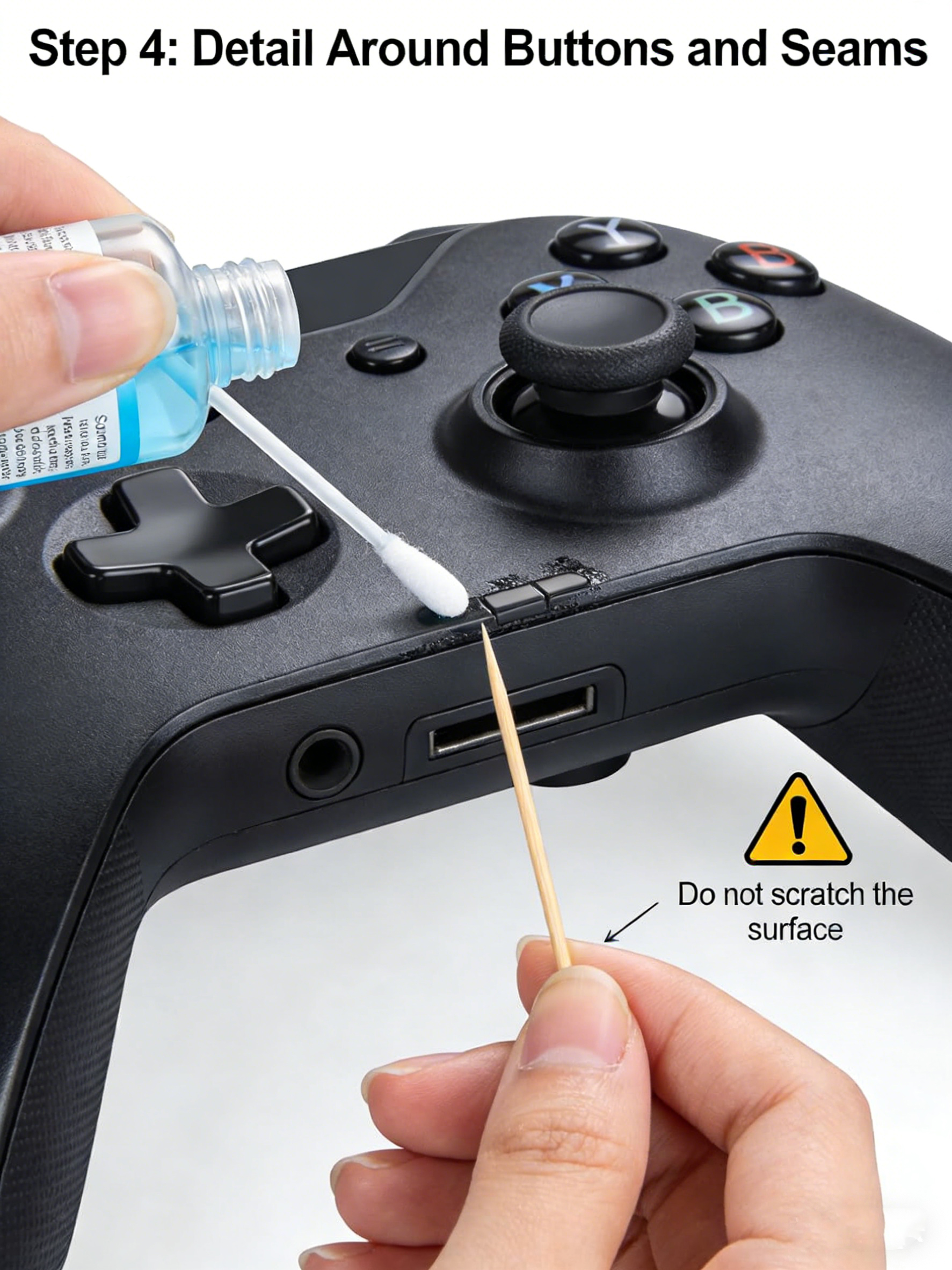
Step 4: Detail Around Buttons and Seams
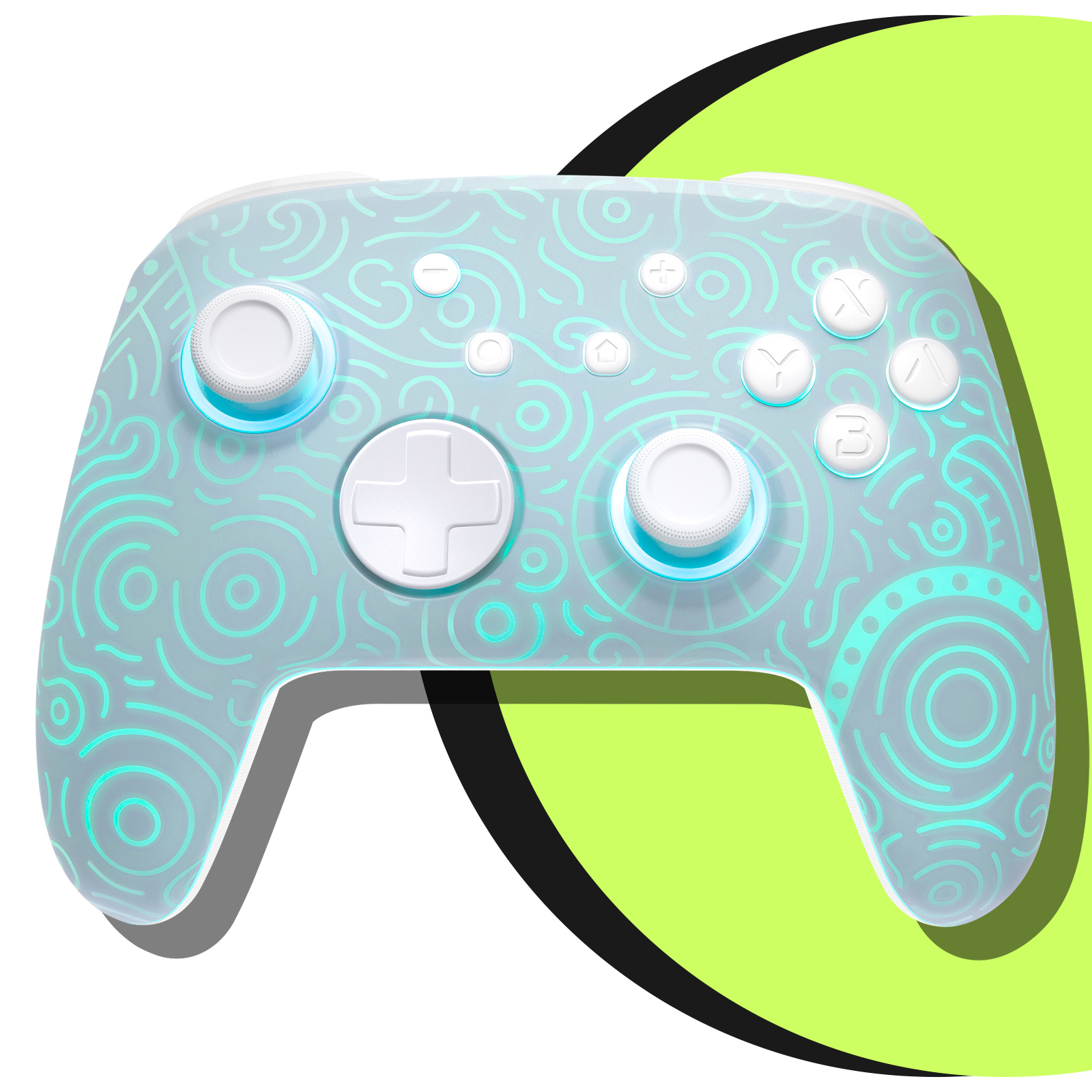
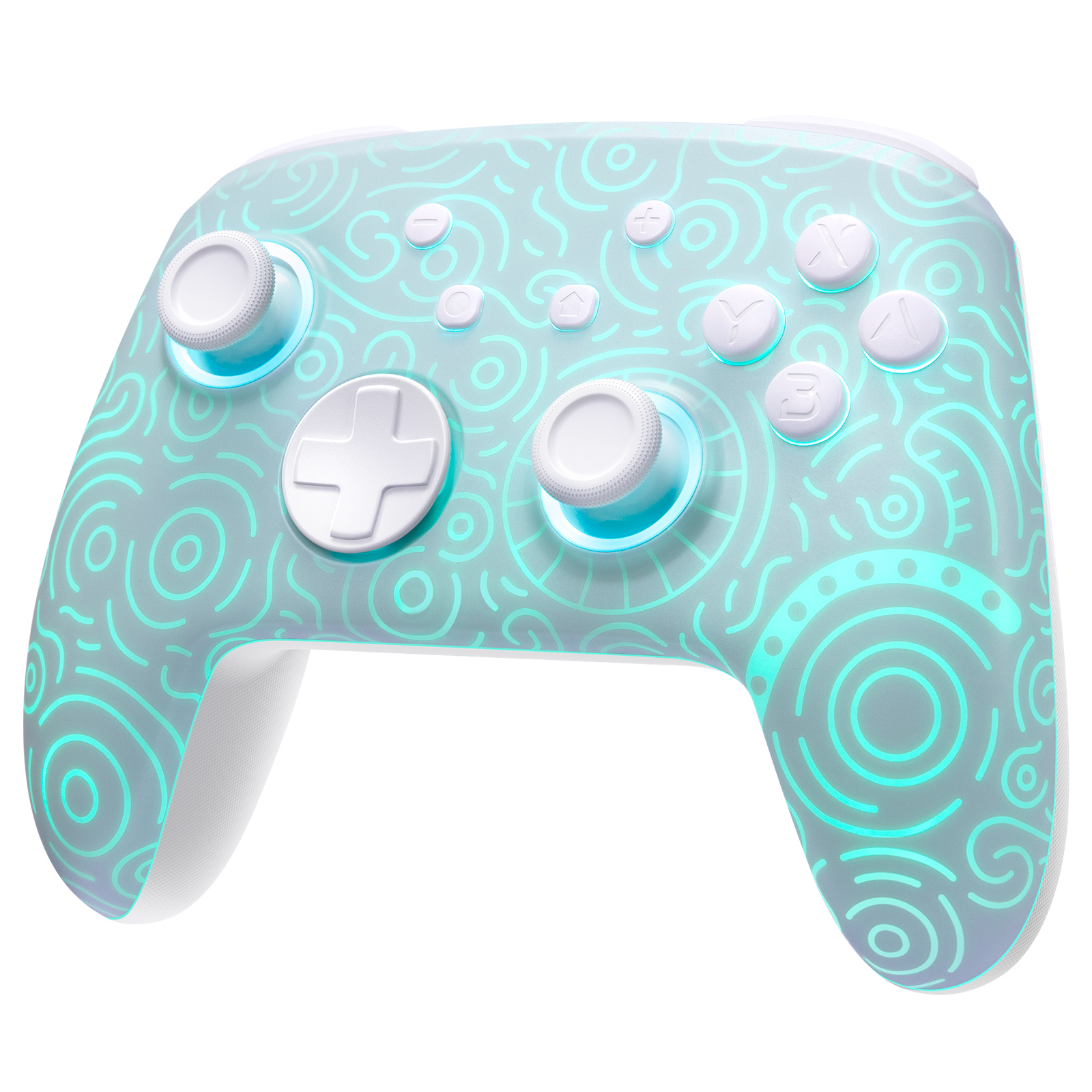
Dip a cotton swab in a tiny bit of isopropyl alcohol and carefully clean around the buttons and along the seams of the controller. For buildup in the crevices, a toothpick can be used very gently to scrape away grime—just be careful not to scratch the surface.
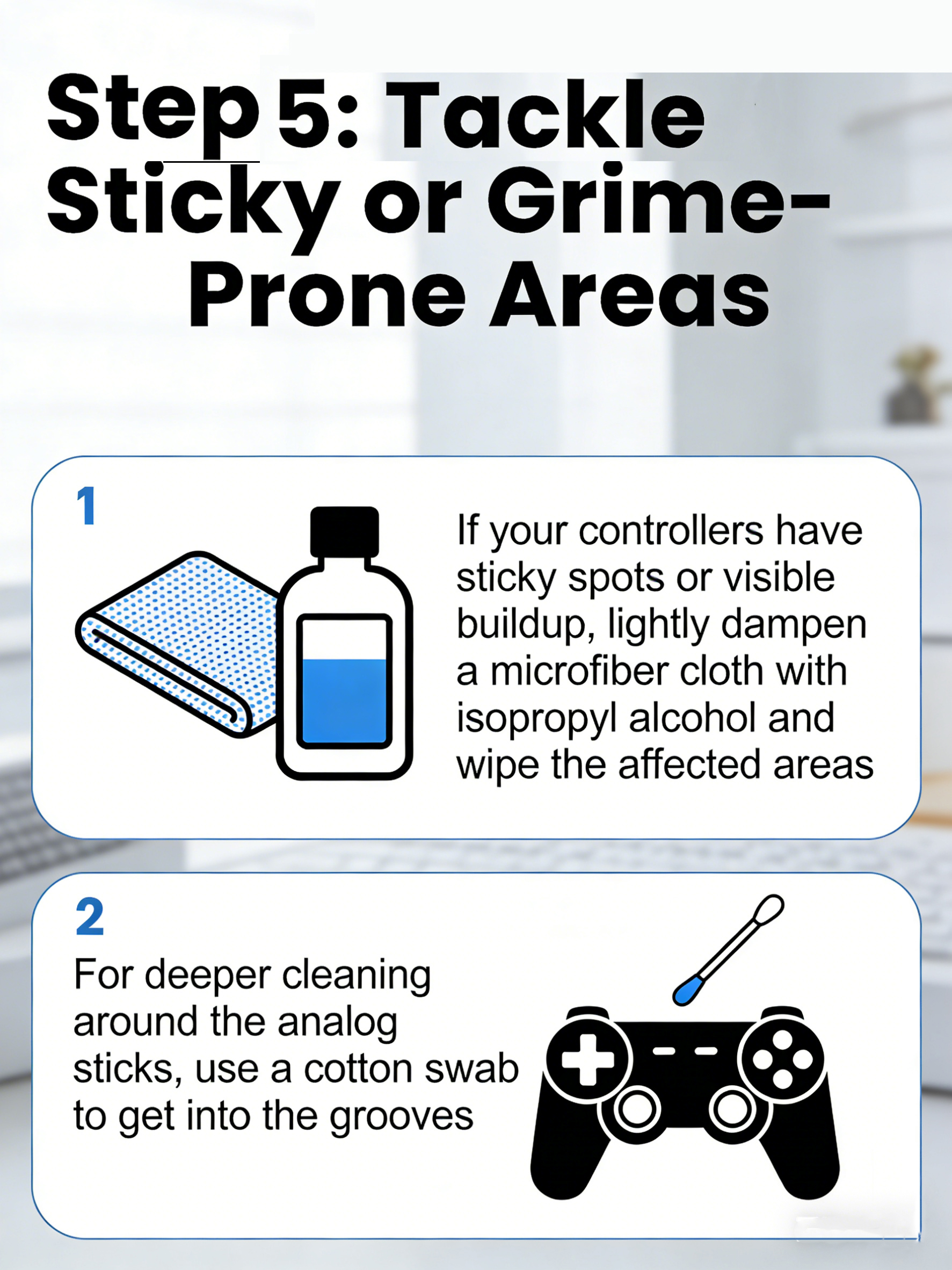
Step 5: Tackle Sticky or Grime-Prone Areas
If your controllers have sticky spots or visible buildup, lightly dampen a microfiber cloth with isopropyl alcohol and wipe the affected areas. For deeper cleaning around the analog sticks, use a cotton swab to get into the grooves.
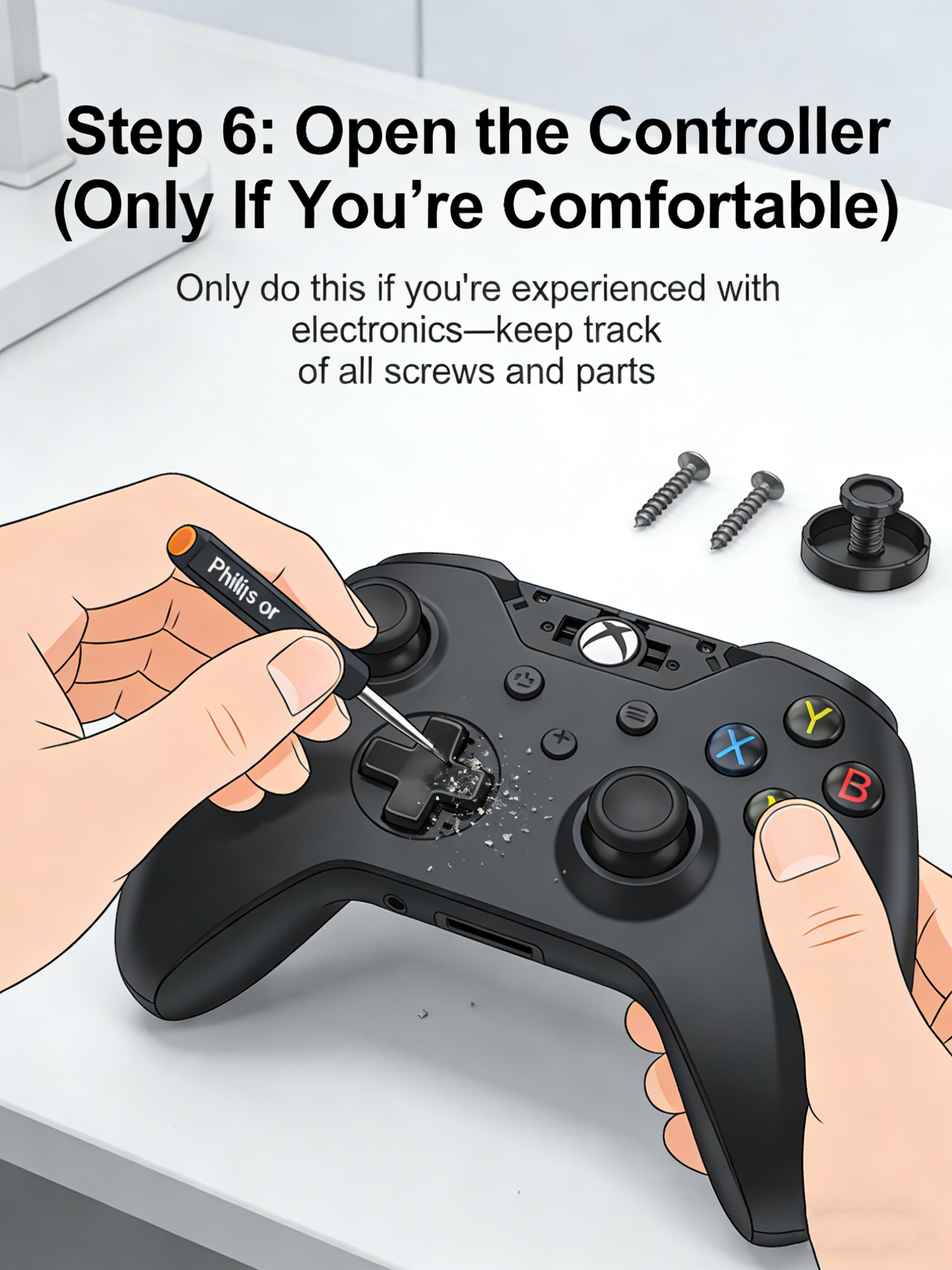
Step 6: Open the Controller (Only If You're Comfortable)
If you're experienced with electronics and notice debris under the buttons, you can use a small Phillips or tri-wing screwdriver to open the controller. Only do this if you're confident—and be sure to keep track of all screws and parts.
Final Tips:
Avoid using paper towels, tissues, or abrasive cloths—they can scratch the screen.
Never spray liquids directly onto the console.
Let everything air dry completely before powering your Switch back on.
With just a little time and the right tools, your Switch will be clean, fresh, and ready for your next gaming session. Happy gaming! 🎮

.webp?w=1600&h=1600)